Grid-optimized charging
Without control, a battery is often already full by mid-morning on sunny days. At midday, when your system produces the most, it cannot take anything more. Grid-optimized charging spreads charging evenly over the day. That way you use more of your solar power and relieve the power grid at the same time.
The essentials
- Your SOLIO does not charge the battery at full power in the morning, but evenly up to an end time.
- To do this it uses the forecast of production and consumption.
- If your system may only feed a limited amount into the grid, the battery charges exactly when electricity would otherwise be lost.
- You choose between Automatic, Manual and Off.
- If you use the dynamic electricity tariff, grid-optimized charging is already built in there.
Why it makes sense
Many PV systems may only feed part of their power into the grid. Anything above that limit has to be curtailed, and that electricity is lost. Your system produces the most around midday. If your battery is already full by then, curtailment happens in exactly those hours.
Grid-optimized charging therefore keeps room free in the battery in the morning. At midday the battery absorbs the peak, and by the afternoon it is still full. At the same time your system feeds into the grid more evenly instead of creating a big peak at midday.
What it looks like
You find the app in the menu under Cockpit → Storage system with its name. Below it are History and Settings.
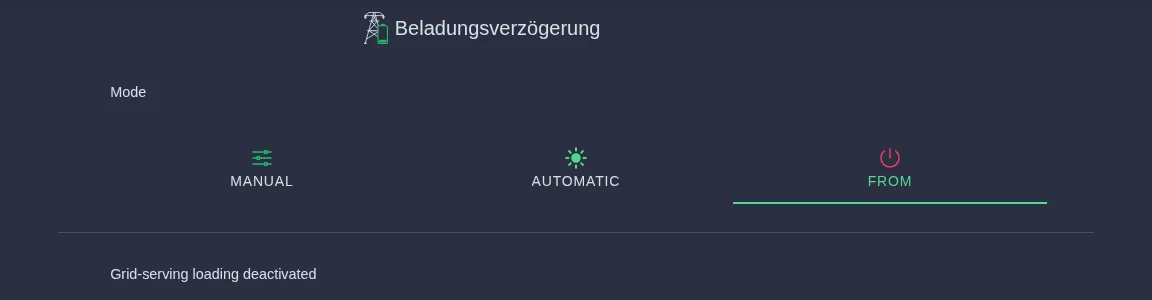
The page shows, among other things:
- Mode: Manual, Automatic or Off.
- Condition: What the app is doing right now, for example Loading limit active (the battery is currently charging at reduced power), No load limit active, Storage already full or End time of limited loading exceeded. In the first days after setup you often see End time not calculated here, because data for the forecast is still missing.
- End time of restricted loading: Until when charging is reduced.
- Maximum permitted grid feed-in: How much your system may feed into the grid. Your installer enters this value.
The three modes
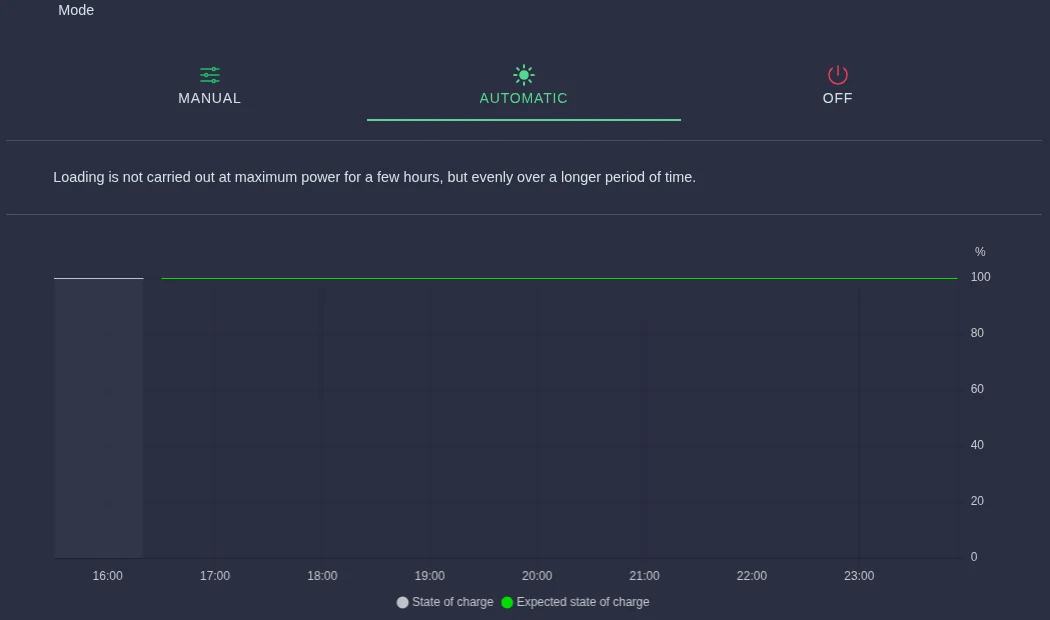
Automatic
Your SOLIO calculates the end time itself from the forecast of production and consumption. A chart shows the Expected state of charge of your battery over the day.
With Willingness to take risks you decide how boldly your SOLIO postpones charging:
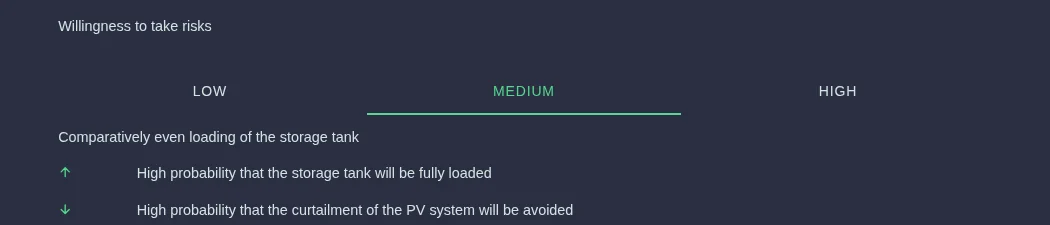
| Willingness to take risks | Charging | Battery becomes full | Curtailment avoided |
|---|---|---|---|
| Low | comparatively early | higher probability | lower probability |
| Medium (default) | comparatively even | high probability | high probability |
| High | comparatively late | lower probability | higher probability |
Manual
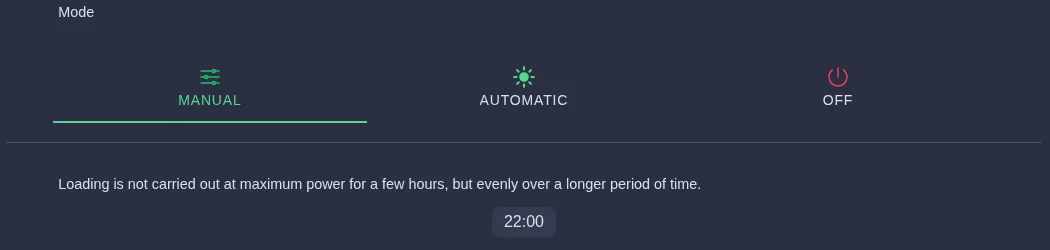
You set the end time yourself. Your SOLIO charges the battery evenly until this End time. The default is 17:00.
Off
Grid-optimized charging is switched off and the battery charges normally with any surplus again. Your SOLIO still respects the Maximum permitted grid feed-in: if it would be exceeded, the battery takes up the surplus electricity.
Click Settings in the menu below the app.
Select Automatic, Manual or Off. For Automatic also choose the willingness to take risks, for Manual the end time.
Click the round button with the tick that appears at the bottom.
The history
History shows for the selected day how strongly your battery was charged and how its state of charge developed.
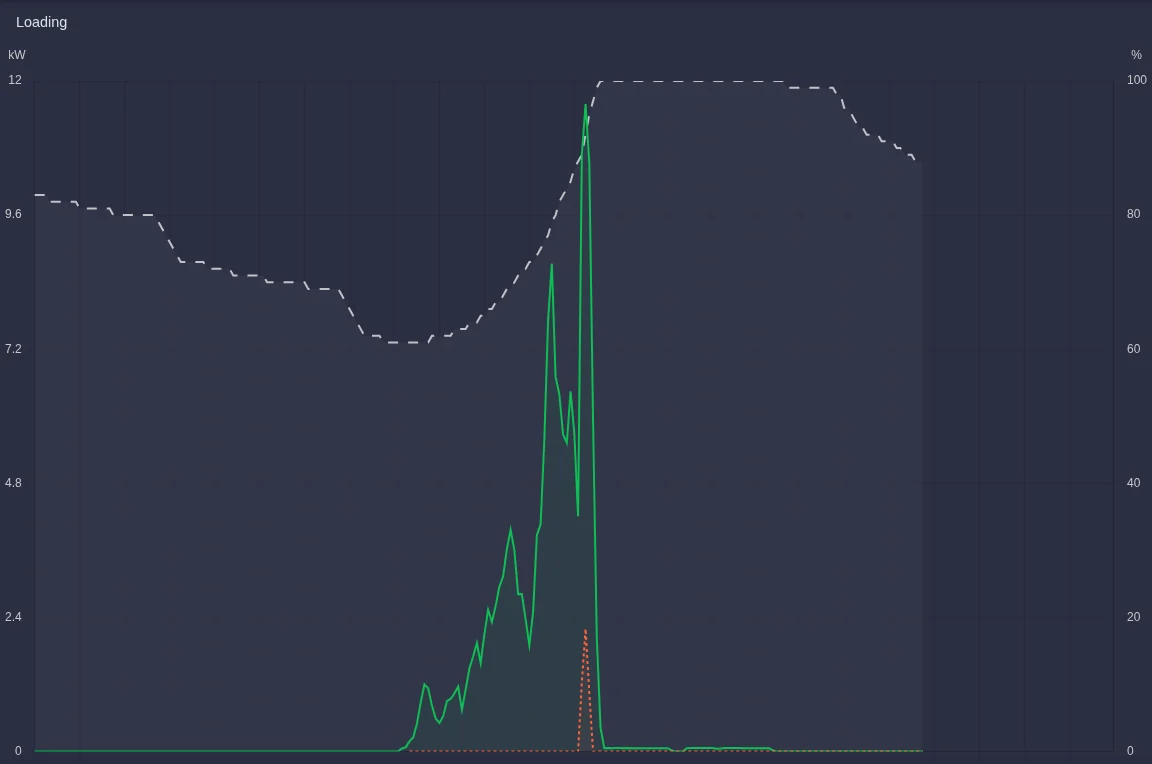
A second chart shows your grid feed-in together with the maximum permitted grid feed-in. The threshold above which the battery charges harder is slightly below the permitted feed-in, so that production is not curtailed prematurely.
Together with the dynamic electricity tariff
If the dynamic electricity tariff is active on your system, it also takes care of grid-optimized charging. The app then shows a note that grid-optimized charging is integrated into the time-of-use tariff app. Your settings here remain in effect.
In this case a note about the EEG 2025 app may also appear here. It reduces your feed-in as far as possible while wholesale prices are negative. To the app takes you straight there.
Frequently asked questions
Why is my battery not yet full at midday? That is intentional. Your SOLIO keeps room free so that the battery can absorb the midday peak. It will be full by the end time.
What does "End time not calculated" mean? For Automatic mode your SOLIO needs a forecast. Right after setup, the data for it is still missing. This sorts itself out after about a day.
What does "Limited functionality" mean? If your system may not feed into the grid at all, or only very little, the app cannot delay charging. Otherwise the system would have to be curtailed.
Can I change the maximum permitted grid feed-in myself? No. The value depends on your grid operator's requirements and is entered by your installer.